







How to Create a 30 Day Project Plan for Your Portfolio
Stuck in your job search? Follow this 30 day plan that actually works
To effectively navigate your job search, implement a 30-day project plan. Break down your goals into weekly tasks, such as refining your resume, networking, and applying for jobs. By maintaining consistent effort and tracking your progress, you’ll enhance your chances of landing the ideal position within 30 days.
Key Highlights
A 30 day project plan provides a clear roadmap to build a strong portfolio quickly, perfect for landing a new role. This day plan helps you set smart goals and break them down into weekly milestones, making the process manageable. For example, a 30 day project plan might start with week one focused on researching your new role and determining relevant portfolio projects, week two on gathering resources and outlining tasks, week three on executing and completing project deliverables guided by smart goals, and week four on reviewing, refining, and preparing your portfolio for submission. Each day includes specific actions that contribute to your weekly progress and ultimate goal. When onboarding a new employee, a 30 day project plan should include clear onboarding objectives, introductions to company policies and team members, access to essential tools and systems, scheduled training sessions, assigned mentors or buddies, and regular check-ins to monitor progress. Breaking these tasks into weekly milestones ensures the new hire is set up for success and fully integrated into the team.
This day plan helps you set smart goals and break them down into weekly milestones, making the process manageable.
The main objectives are to create 2-3 high-quality projects that demonstrate your skills to hiring managers. Following a structured schedule helps you avoid getting stuck in tutorials and focus on practical execution. If you need a simple 30 day project plan template, you can break each week into focused goals: Week 1—plan and research your projects, Week 2—start development on project 1, Week 3—complete project 1 and begin project 2, and Week 4—finalize project 2, polish your work, and prepare to present your projects to hiring manager audiences.
Following a structured schedule helps you avoid getting stuck in tutorials and focus on practical execution. This guide offers a step-by-step beginner project schedule and examples for Data Science, Full Stack, and Data Analytics. For instance, a typical 30 day project plan might outline daily goals such as setting up your environment in week one, exploring datasets in week two, developing and testing models in week three, and polishing your project plus final presentation in week four—ensuring steady progress each day. Here's a simple example of a 30 day project plan: Week 1 - Set up tools and foundational knowledge; Week 2 - Gather and analyze data; Week 3 - Build and test your solution; Week 4 - Refine, document, and present your project.
This guide offers a step-by-step beginner project schedule and examples for Data Science, Full Stack, and Data Analytics.
You'll learn to document your work on GitHub, write a strong README, and prepare to discuss your projects in interviews.
Introduction
Are you looking for a new job but feel the work in your portfolio is not good enough? Making strong projects can seem hard, especially if you are just starting out. A 30 day project plan can help with this. This plan will guide you through making a new project by breaking it down into easy steps that you can follow. By working toward clear overall objectives for just a month, you can build two or three really good projects from scratch. This will help you get ready to look for your next job with much more confidence.
Why a 30 Day Project Plan Is Effective for Building Your Portfolio
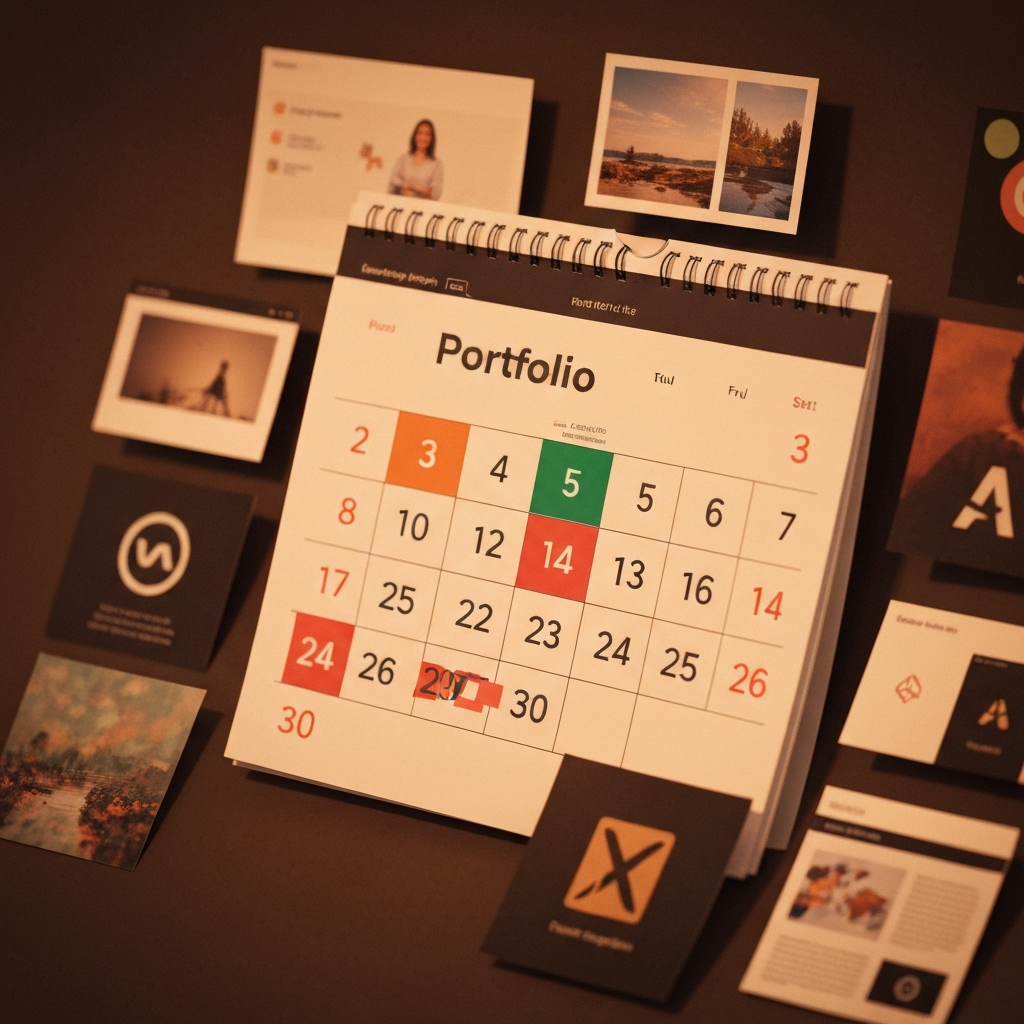 A 30 day project plan can show you a good path to reach your goals. With this plan, you do not just work at random. You set specific goals and follow a timeline. This helps you focus on your work and finish really good portfolio projects fast.
When you use this way, you set smart goals. You pick your overall objectives and then turn them into small tasks for each week. This helps you get things done, step by step. This method works well for people who are new and want to get placements or internships.
Fast Skill Proof for Placements and Internships
When you try for a new role, the hiring manager wants to see clear proof of your skills. By following a 30 day project plan, you can have real results to show. It makes it clear that you have a good grasp of the technical skills listed in the job description, and you can meet the needed performance goals.
Instead of just saying you know how to use a programming language, you can show the hiring manager a project you built with it. This will be more powerful than a simple paper certificate. A well-made project lets you show your problem-solving skills, how you work with tech, and how much you care. Employers look for these things when you apply.
You want your plan to have the right level of detail to lead you week by week. At the same time, it should stay open to change if you need to adjust. If you are just starting out, write down what main features you will build, what tools you will use, and how you will get your project online. This kind of planning shows the hiring manager you are organized and able to finish what you start.
Structured Execution vs. Tutorial Addiction
Many people new to coding fall into "tutorial hell." This happens when you keep watching videos and never build anything yourself. A structured plan with action items helps you break out of this. You stop only learning and start doing. When you have clear deadlines, you move from watching to building.
This plan uses smart goals. Every week, you work on a new target. It might be setting up your tools, adding one main feature, or putting your project online. This way, you keep making progress and use what you learn. It helps you build something that is your own.
One thing many people get wrong is not having a plan. If there is no plan, you may get off track or feel less motivated. A 30 day project plan keeps you focused. Your end goal is a strong portfolio. This matches your career dreams. The plan is like company goals because it aims to help you work in a smart way.
Portfolio Projects vs. Certificates: What Matters More
Certificates let people know you finished a course, but portfolio projects show you can use your skills in the real world. Hiring managers really want to see what you can do, not just what you learn. A project lets you show how you think, how you solve problems, and how you build something from zero.
You can look at it like this: a certificate is like a receipt, while a project is the actual product. Portfolio projects give you real things to talk about in an interview. You can explain how you think, what challenges you face, and how you get past them. This kind of talk tells the recruiter a lot more about what you bring than just a certificate.
In the end, having both is best, but if you must pick one, focus on strong portfolio projects. They clearly show your skills and passion. These are big signs of how well you will get into the company culture and reach your own specific goals.
How the 30 Day Project Sprint Plan Is Structured
 This 30 day project sprint plan gives you clear steps and helps you take action. It splits the work into weekly milestones, so you have a good time to focus on each part. This way, you get to make steady progress without feeling too stressed. Every week has its own set of objectives and goals, so you know what you need to do.
The main idea is to help you go from getting started to launching your project in just four weeks. This day plan lets you set specific goals for each phase. You focus on depth and use real-world skills as you move through the process. Here’s how it works step by step.
Weekly Project Milestones for Steady Progress
Setting weekly project milestones is a good way to stay on track. You can break a big project into small parts, so it is easier to handle. This way, you can see the progress you make and stay motivated. Each week, you have clear action items to finish. If you keep up, you will get closer to your final goal.
It is easy to track progress with this method. When the week ends, you can check what you did against your specific goals. Did you finish your mini-project in Week 1? Did you start and build the main features in Week 2? This regular check helps you not fall behind.
Here’s how the weekly milestones are set up:
Week 1: Foundations & Mini-Project. Get your tools ready and make a small project to refresh your skills.
Week 2: Core Project Build. Pick your main portfolio project and start making it.
Week 3: Enhancement & Deployment. Add new features and put your project online.
Week 4: Portfolio Optimization. Write down what you did and get ready to talk about it in interviews.
Project Depth Over Quantity for Strong Portfolios
When you make a portfolio, focus on quality over number. It is better to have two or three strong, well-done projects than many smaller, unfinished ones. The main objectives of this 30 day plan are to help you build projects that really show your skills for certain job roles.
A deep project shows that you can start with an idea and finish it. It shows you can deal with hard problems, write good code, and solve real problems. These things will impress people looking to hire you. Each step in this plan is set up to help you work on a solid project.
If you are a beginner, a detailed plan will help you reach these overall objectives. You will not get pulled away by new ideas because you will focus on one important project and make it as good as possible. This way of working will give you a portfolio that stands out and shows what you can do.
Resume and GitHub Alignment: Stand Out to Recruiters
Your resume and GitHub profile need to fit together to tell a clear story about what you can do. A 30 day project plan helps you make the projects that stand out in your portfolio. When a recruiter looks at your resume, they should be able to click the link to your GitHub and see a well-written and professional repository.
This fit is important. It shows you are organized, and that is needed in any new work environment. Your GitHub should be a live link to your resume, giving proof of your skills. This is extra helpful for IT projects because things like code quality and clear notes are the main focus.
Picture your GitHub as your digital workshop. Set smart goals to keep it tidy and up to date. This shows you mean business and are a strong candidate. The plan helps you make good README files and group your code well, so key team members and hiring managers can see what you bring to the team.
Solving Real-World Problems with Beginner Project Schedule
The most impressive portfolio projects show how you solve problems that people face in real life. This beginner project schedule asks you to do more than simple exercises. It pushes you to work on things that have real use. You might look at a public dataset to find ideas. You might build a web app to fix a common issue. Doing this shows you have strategic thinking.
A day plan template is good for giving structure when you work on these problems. You start by saying what the problem is. Next, you gather data or plan how your app will work. This steps are like the onboarding process when you start a new job. First, you need to know what is wrong before you start to fix it.
If you focus on real-world problems, your projects will look good to recruiters. They will be impressive on the tech side. They will also be fun to talk about. You can explain why you made your project and not just how you made it. This helps show that you have purpose and use strategic thinking in your work.
Beginner’s Guide: Getting Started With Your 30 Day Project Plan
 Ready to start building? This guide will take you through all you need to know to kick off your 30 day project plan. Think of it as your personal onboarding process to help you enter your new role and get better at building projects. We will look at the main tools you need, and help you pick a project area that works with your career goals.
If you follow these steps, you will have a clear set of objectives to help guide you for the next month. You do not need any specific templates to begin. All you need is an open mind and a drive to work. Let’s see what the first steps are to get moving in your new role.
Essential Tools and Resources Needed (GitHub, VS Code, Data Platforms)
To start your new project, you will need the right tools. The good news is most of the important tools for development are free and are used a lot. It is a good idea to get used to these tools early. This will help prepare you for work in a real job.
You do not have to use fancy or expensive software to make good projects. All you really need is a good code editor, a version control system, and a way to work with data or use a hosting site. Your goal is to make your way of working like a pro from the start. There are also many free tools and specific templates you can find online that can help you set things up.
Here are the tools you need to get started:
GitHub: You use this for version control and to share your code with others.
Visual Studio (VS) Code: This is a strong code editor that can do a lot.
Data Platforms: You can use sites like Kaggle or Google Datasets to find data for your projects.
Deployment Platforms: Use Netlify, Vercel, or Streamlit to host your projects on the web.
Choosing Your Project Focus Area (Data Science, Full Stack, Analytics, AI/ML)
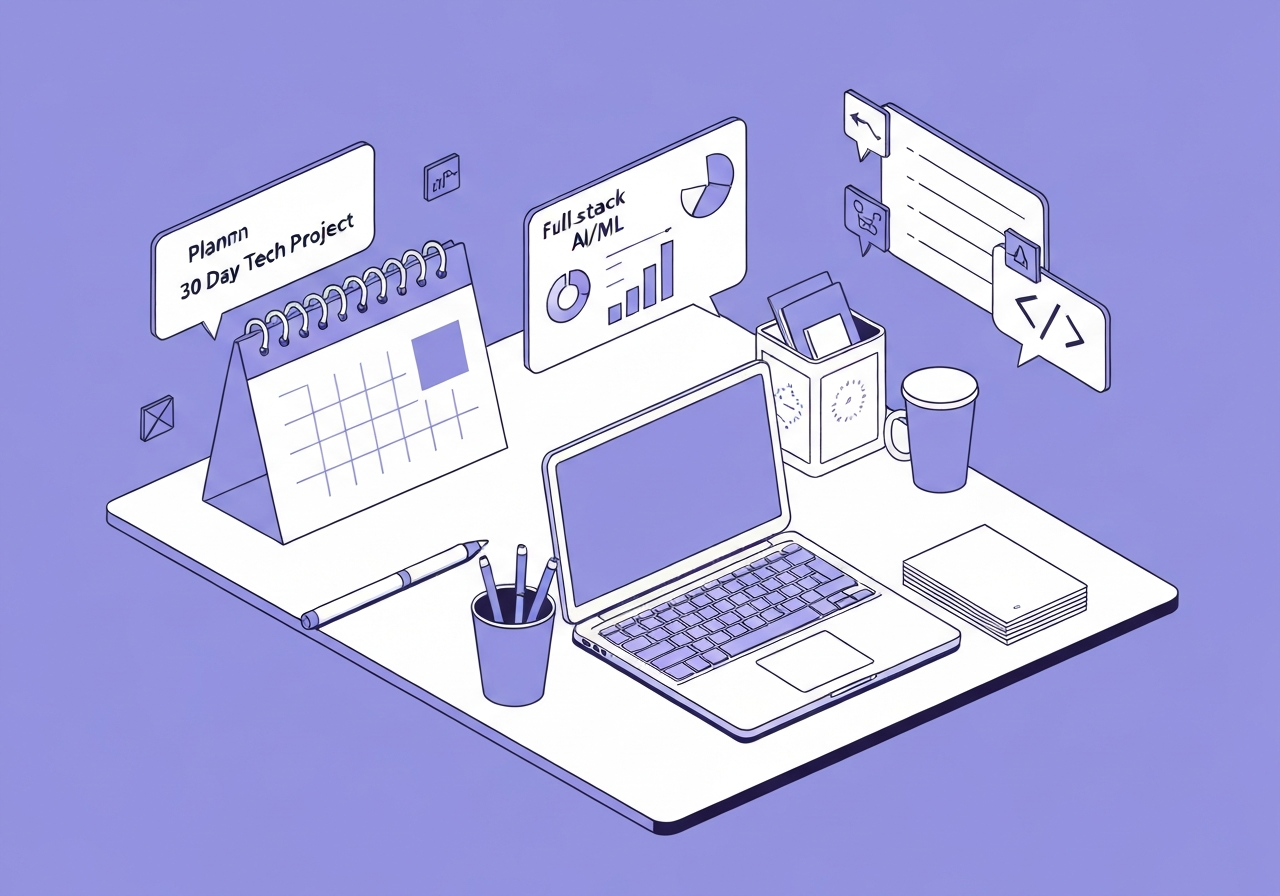
Choosing the right focus area is the first step in your 30 day project plan. Your choice should align with your career interests and the type of job you want to land. Whether you're passionate about data, building applications, or artificial intelligence, there's a track for you. Setting smart goals starts with picking a direction that motivates you.
This decision will define the main objectives of your project. For example, a data science project will focus on analysis and modeling, while a full-stack project will involve building both a frontend and a backend. This plan is highly adaptable and can be used for various IT projects, so pick what excites you most.
Aligning your project with your career path ensures that the work you do directly supports your broader organizational goals for professional growth. Here are some popular tracks and the types of projects you can build:
Focus Area | Example Project | Skills You'll Showcase |
|---|---|---|
Data Science | Predictive model for stock prices | Python, Pandas, Scikit-learn, EDA |
Full Stack | E-commerce website | HTML/CSS, JavaScript, React, Node.js, Databases |
Data Analytics | Interactive sales dashboard | SQL, Tableau or Power BI, Data Storytelling |
AI/ML | Image recognition app | TensorFlow or PyTorch, Computer Vision |
Step-by-Step Guide to Create Your 30 Day Project Plan
Now, let's put together your own 30 day project plan. This simple guide will help you figure out your overall objectives. You will also break them into small tasks you can do every day. It is important to have clear objectives at the start. That way, you always know what you’re working toward.
Think about it like writing the job description for your project. When you set key performance indicators for each week, you can track your progress. You will know if you are getting closer to your goals and stay motivated. Let’s go through how to do this.
Step 1: Set Up Tools and Refresh Core Skills
The first week is for setting up a good base. Your action items are easy: start by putting in and setting up VS Code and Git. This step helps you get your new work environment ready. With this done, you will have all you need to start coding, and there will be no setup trouble.
After that, take some time to brush up on your basic skills. What you look at will depend on which track you pick. You might want to go over Python basics, try out some SQL questions, or look back at HTML and CSS. You do not need long training sessions for this. Just spend a short time to bring back the main points.
To see what you can do, try making a small project. It could be a quick data analysis code, a simple to-do list app, or just a one-page website. When you finish this, you will feel more sure of your skills, and you will be more ready for the main project. Be sure to save all your work on GitHub right from the start.
Step 2: Select Your Main Project and Define Objectives
With your base done, now it's time to pick your main portfolio project. Choose an idea you find interesting. It should also be hard enough so you show many skills. The main goal is to fix a problem or build something people can use. This step is where you create clear objectives. These will guide you for the rest of the month.
When you have your idea, set the scope for it. Think about the must-have features you need. Also, list things you could add if there is time. Use a simple day plan or a day plan template to lay out these goals. This step is important to manage your time and stop the project from getting too big.
Make sure your main objectives fit with your bigger goals for your job or career. For example, if you want to be a data analyst, then focus your project on data cleaning, analysis, and showing the data in charts. Doing a detailed plan at this stage helps you stay on track. This way, you will build something great and useful.
Step 3: Break Down Tasks into Weekly Project Milestones
Breaking your project into weekly steps is the way you make a big goal feel easier. For your day plan, give clear goals to each week in the month. This lets you and your team see your main goals and keeps you working on what matters most, just like you would at a job.
When you break up the work by weeks, a big project becomes a series of smaller steps you can finish. Using this method, you can see your wins as you go, which helps you stay motivated. Think about what comes first, then build up from there. You can't work on the frontend if you don't have the backend ready.
Here’s an example of what you might do each week:
Week 1: Pick your project idea, write down what the problem is, and collect data or get the backend ready.
Week 2: Build the main features for your project.
Week 3: Add more features, make the design better, and begin testing.
Week 4: Launch your project and finish the documentation.
Step 4: Build, Enhance, and Deploy Your Project
This is the time when you bring your ideas to life. In week two and week three, you will work on building the main parts of your project. It is good to have a good grasp of how your project is set up. Make sure to use best practices for writing code that is easy to read and easy to work with later. This habit will help you in your new job.
After you finish the core features, start making your project better. You can add advanced tools, make a machine learning model faster, or improve how the user interface looks. These key details can set your work apart from others. Try new things and grow your skills, because that is how improvements are made.
At the end of this part, you need to get your project online. This skill is something the people hiring want to see. You can use Netlify, Vercel, or Streamlit to share your project with anyone, using just a link. Showing that you can put up a complete project says a lot about what you can do.
Step 5: Document, Showcase, and Optimize Your Portfolio
Your project will not be fully done until you have good documentation. Use the last week to make your portfolio better for recruiters. The main objectives are to help people know what your project is about and to make you ready to talk about it with ease. This is how you keep track of being job-ready.
Begin by writing a professional README file on GitHub. In this file, say what your project can do, how to set it up, and which tools or tech you used. You can make a short video that walks through your project to make it more fun and clear. This could increase website page views on your portfolio and help you get a recruiter's attention.
At the end, get ready to talk about your project in interviews using the STAR method (Situation, Task, Action, Result). Update your resume and add bullet points to show what you have done. Practice talking about your project with a friend so you can explain everything in a way that is easy to follow. Using specific templates for your resume can make it easier to organize all this information.
Example 30 Day Project Tracks for Beginners in India
To help you get started, here are some sample project tracks made for people in India who want a new job. Each project plan can help you build a portfolio piece that is useful and looks good to employers. These examples show the main objectives for each track.
These tracks are just suggestions. You can change them to fit your interests and ideas. The main goal is to give an example of how a 30 day plan works in different tech fields. Let’s look at some options.
Data Science Track: EDA, Modeling, Deployment
For your new project in data science, you can work on a dataset from India. Some examples are the IPL cricket dataset or Indian air quality data. Use a day plan template to help you follow each step in the data science process. Start with looking into the data and go all the way to putting your project on a website for people to use. Make sure you follow best practices when you write your code and do your work.
Your specific goals for this month are to do Exploratory Data Analysis (EDA) to find patterns, build a model that can guess what will happen, and share it as a simple web app. This will show that you can do the job from the start to the finish.
For instance, you may want to build a model that can guess who will win a cricket game by using past data. In Week 1, use your day plan to clean up the data. In Week 2, make and train your model. During Week 3, you will improve it and make it better. In Week 4, share it with others using Streamlit, and then write about your project.
Full Stack Track: Frontend, Backend, Hosting
A full-stack project is a great way to show you have the skills needed for many IT job roles. For this day plan, your work will be to make a full web application. You will build both the user-facing frontend and the server-side backend. You do not need any specific templates. You just need a clear idea of what features your app will have.
Your action items will split between the frontend and the backend work. You could make a food delivery app or a movie ticketing site like those in India. This will show you can build apps that are complex and let people interact with the site.
For example, your 30-day plan could go like this if you use the MERN stack (MongoDB, Express, React, Node.js): In the first week, you will plan how things should work and put up the database. In the second week, you will work on the backend API. For week three, you will start building the React frontend. Then, in the fourth week, you will put the pieces together and put your app online with a platform like Vercel.
Data Analytics Track: Dashboard, Insights, Presentation
For a data analytics job, being able to share what you find in the data is just as important as the work you do to find it. In your 30-day project, you should build an interactive dashboard. This dashboard needs to show a clear story using data. The main goals are to get good insights and share them in a way that people can understand.
The specific goals are simple. Pick a dataset to use. Clean up this dataset with SQL or Python. Next, make a dashboard using a tool like Tableau or Power BI. To keep on track, you can set targets for each week. For example, work on data cleaning during the first week. Then, make a first draft of your dashboard in week two.
A strong project idea is to look at some data from a government site, such as data.gov.in. You can show trends on education or healthcare this way. Look at key details like how correct the data is, how easy it is to read the charts, and write a short summary of what you learned. This shows that you are able to turn raw data into useful business knowledge.
Conclusion
To sum up, a good 30-day project plan can change your portfolio. It can also help you get better chances for jobs in tech. If you stick to this plan, you learn important skills. You also show clear proof of what you can do with strong projects. Every week in the plan has clear goals. This way you keep moving forward, and you get to spend time on the field you want, like data science, full-stack development, or analytics. Don't forget, having a few good projects matters more than just having a lot of projects with no depth. If you want to go further in your career, you can book a free talk with our experts and start working on your next project today.
Frequently Asked Questions
How detailed should a 30 day project plan be for beginners?
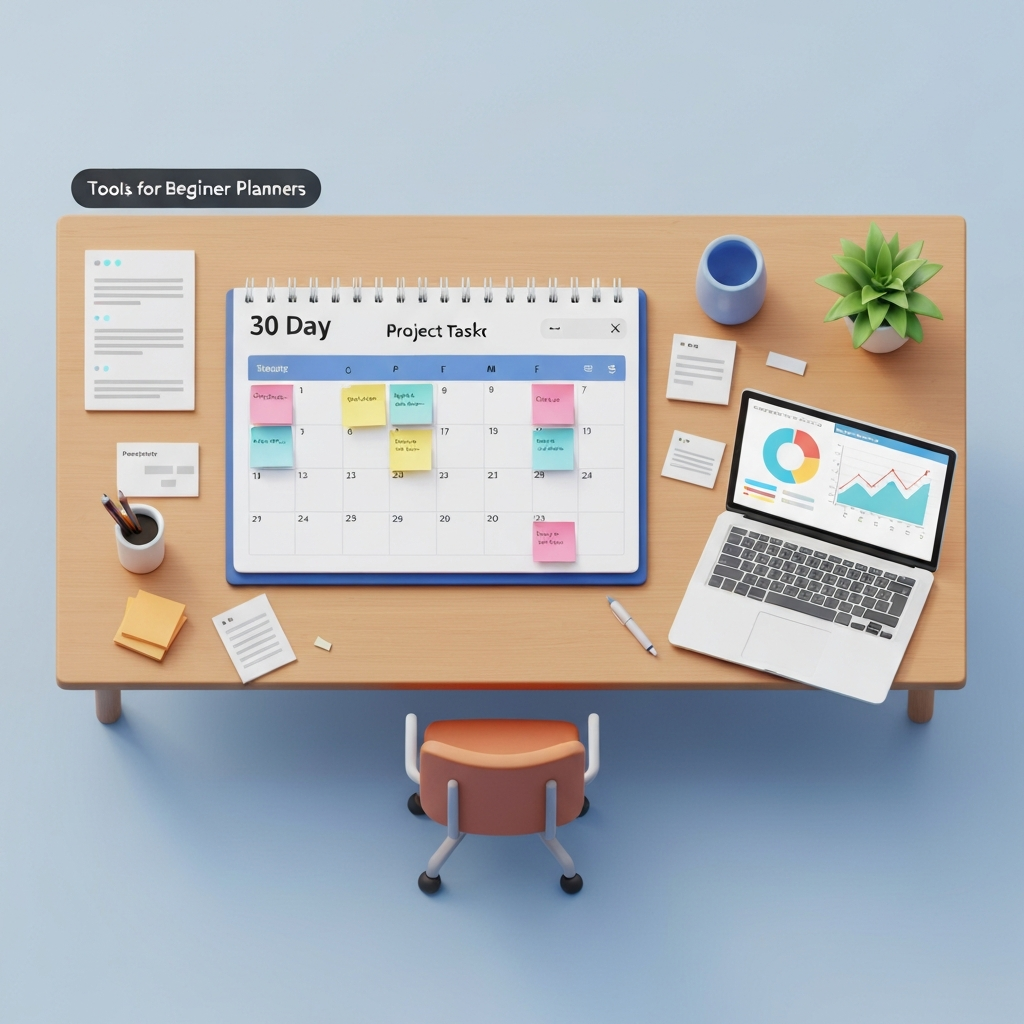
If you are new, a 30 day plan needs to give you clear objectives without making things too hard. Focus on setting smart goals for each week. For example, you can have goals like "build core feature X" or "deploy the app." The plan should list your specific goals and the big steps. You do not need to show every line of code you will write.
What are common mistakes to avoid with a project sprint plan?
Some common mistakes people make are picking a new project that is hard to do, not writing down what they work on, and not putting their work out after they finish. Some also just copy code from GitHub. It is better to focus on the key details and follow best practices. Try to do it like an onboarding process for a real job.
Can a 30 day project plan be used for IT and tech portfolios?
Yes, this project plan is great for building your portfolio for many IT jobs and tech roles. If you want a new role in software development, data science, or even cybersecurity, this clear method will help. It will guide you to make good projects that you need to get a new position.
How do I use weekly project milestones to track progress?
Use weekly milestones as key performance indicators to watch how you do. At the end of each week, look back to see if you met your specific goals. For example, if your goal for the week was to launch your project, check if it is live now. This helps you stay on track and makes sure you do things on time.